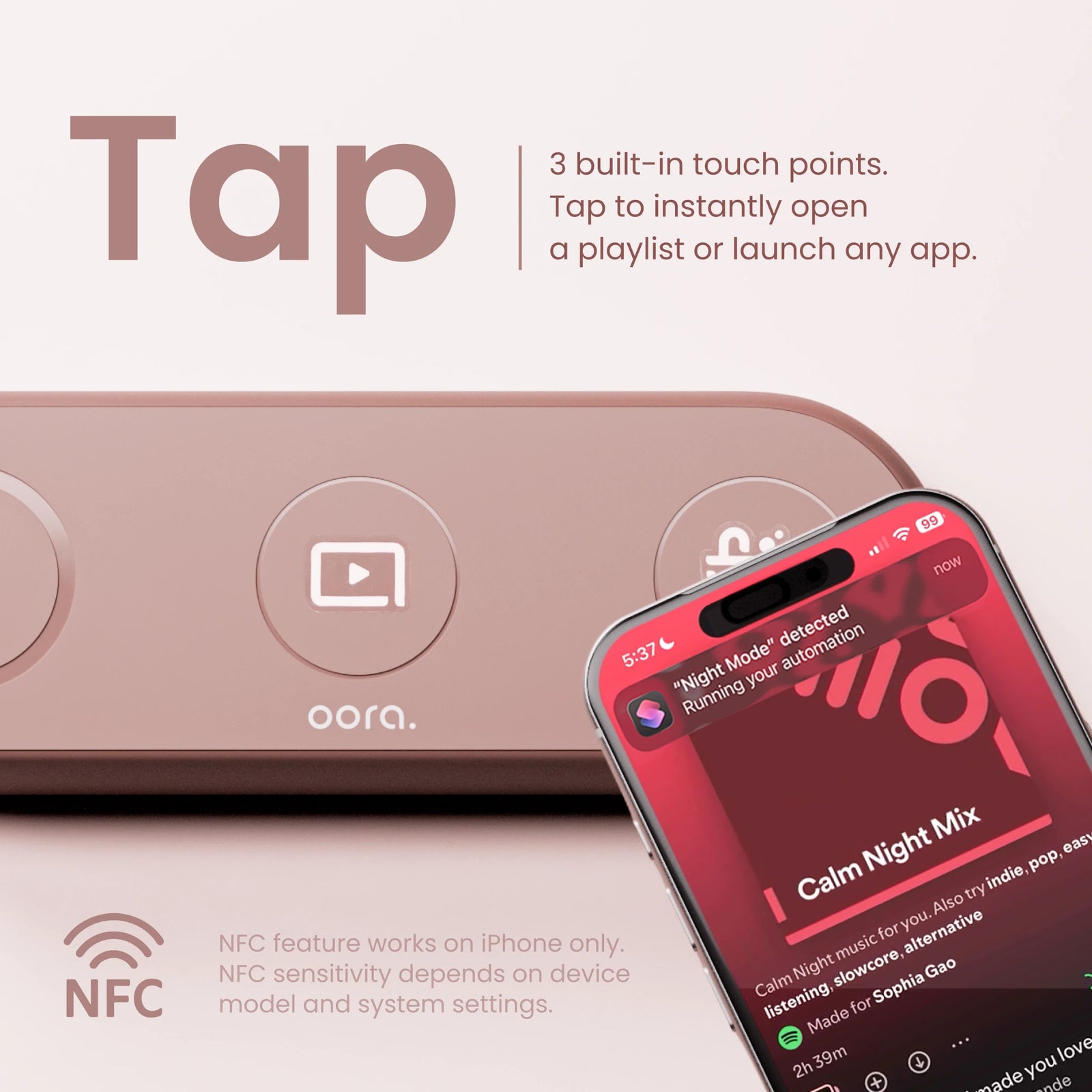
 01
Tap into your moment.
Personalize the three NFC zones with Apple Shortcuts. Music, timers, or your favorite app — you choose.

Meet TapNest. A magnetic phone dock with three NFC touchpoints. Tap into your playlist, settle into your space, and make the everyday feel good.
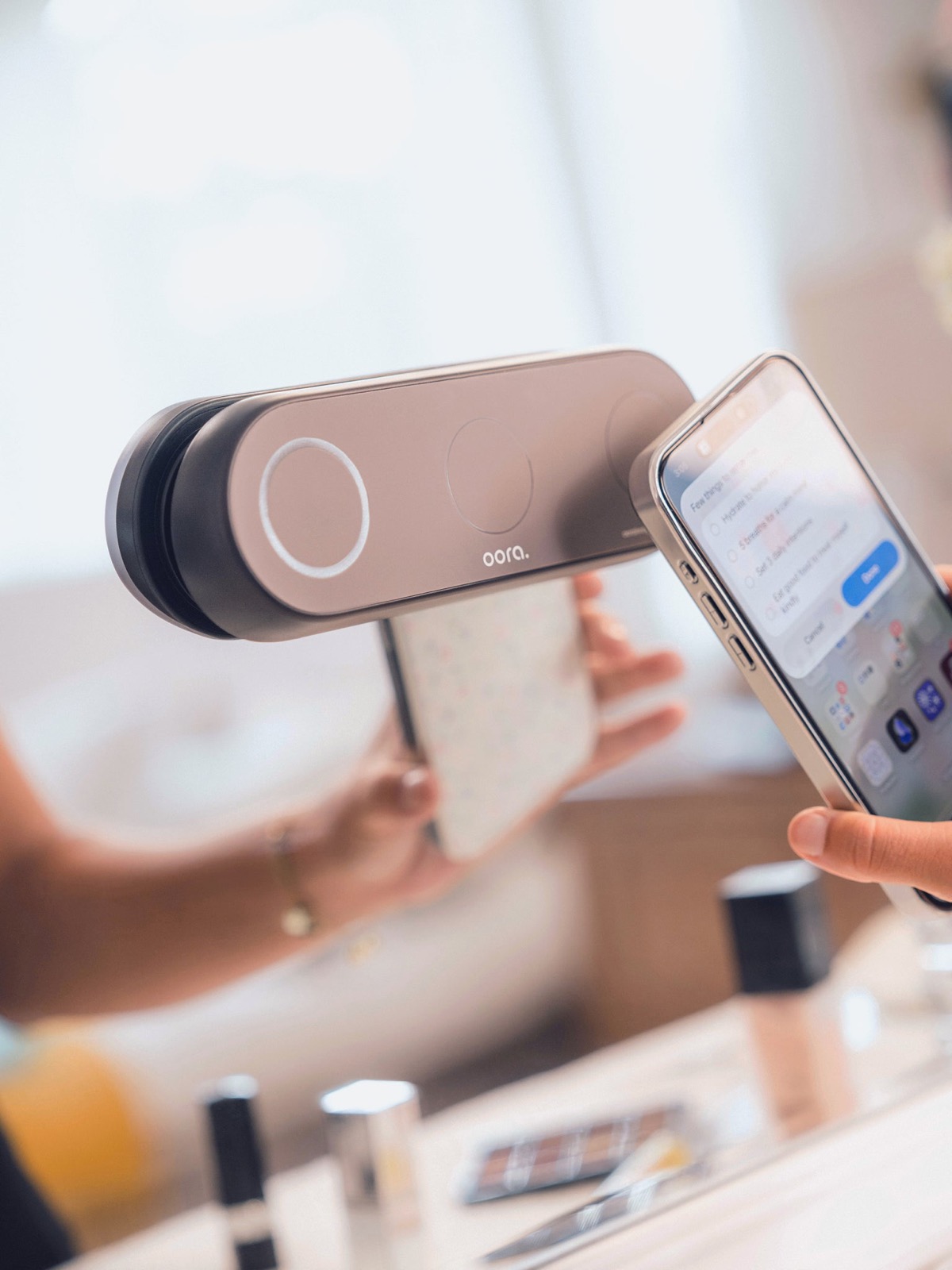
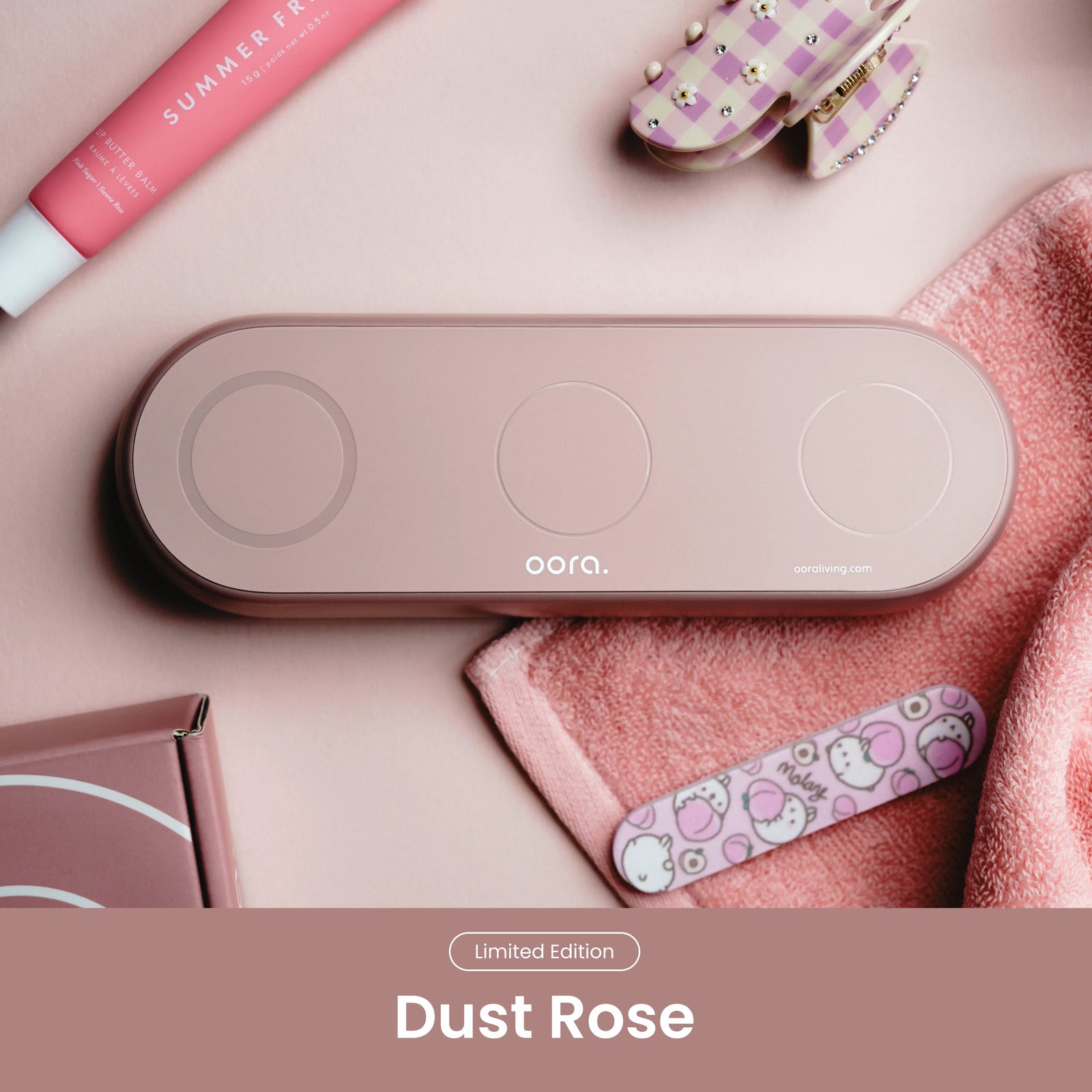
The magnetic dock that makes room for your rituals.
From order confirmation to your door. Delivery: 22.50 SAR.
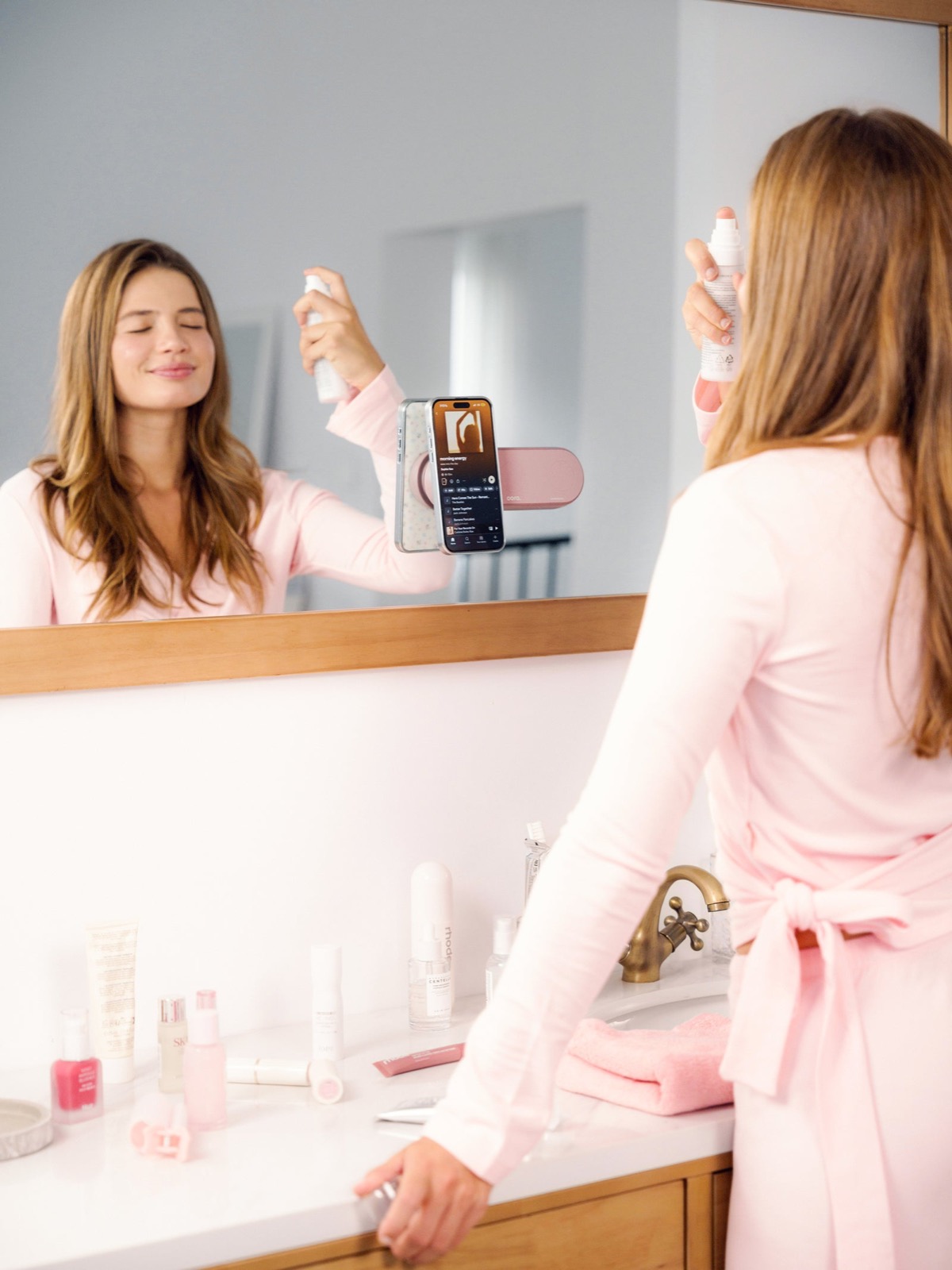 YOUR SPACE. YOUR PACE.
The playlist that sets the mood. A timer for your skincare. A podcast while you get ready. Keep your favorite little rituals just one tap away.
A small addition. A smoother routine.
01Personalize the three NFC zones with Apple Shortcuts. Music, timers, or your favorite app — you choose.
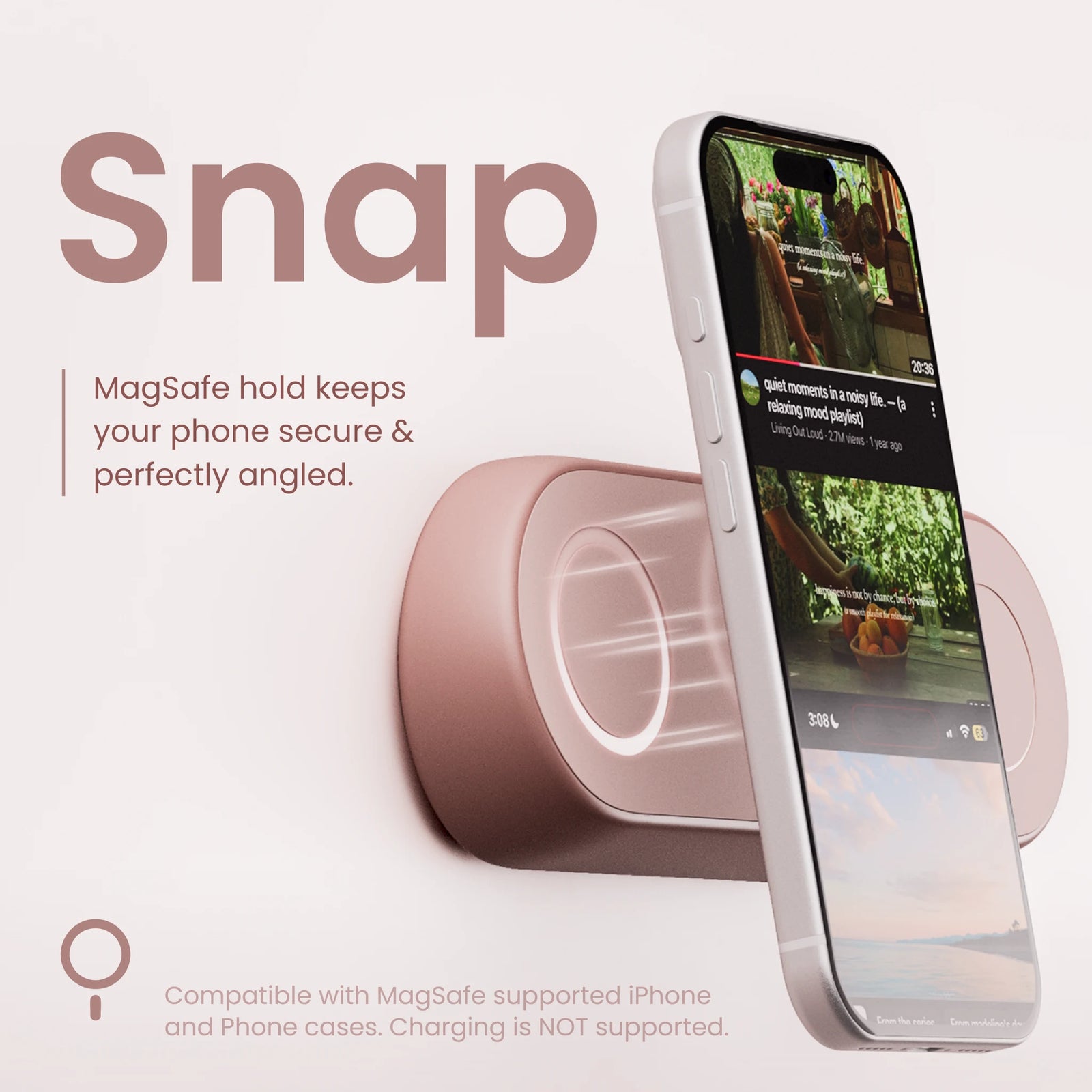 02
Dock your phone on the magnetic surface. Keep your counter clear and your screen in view.
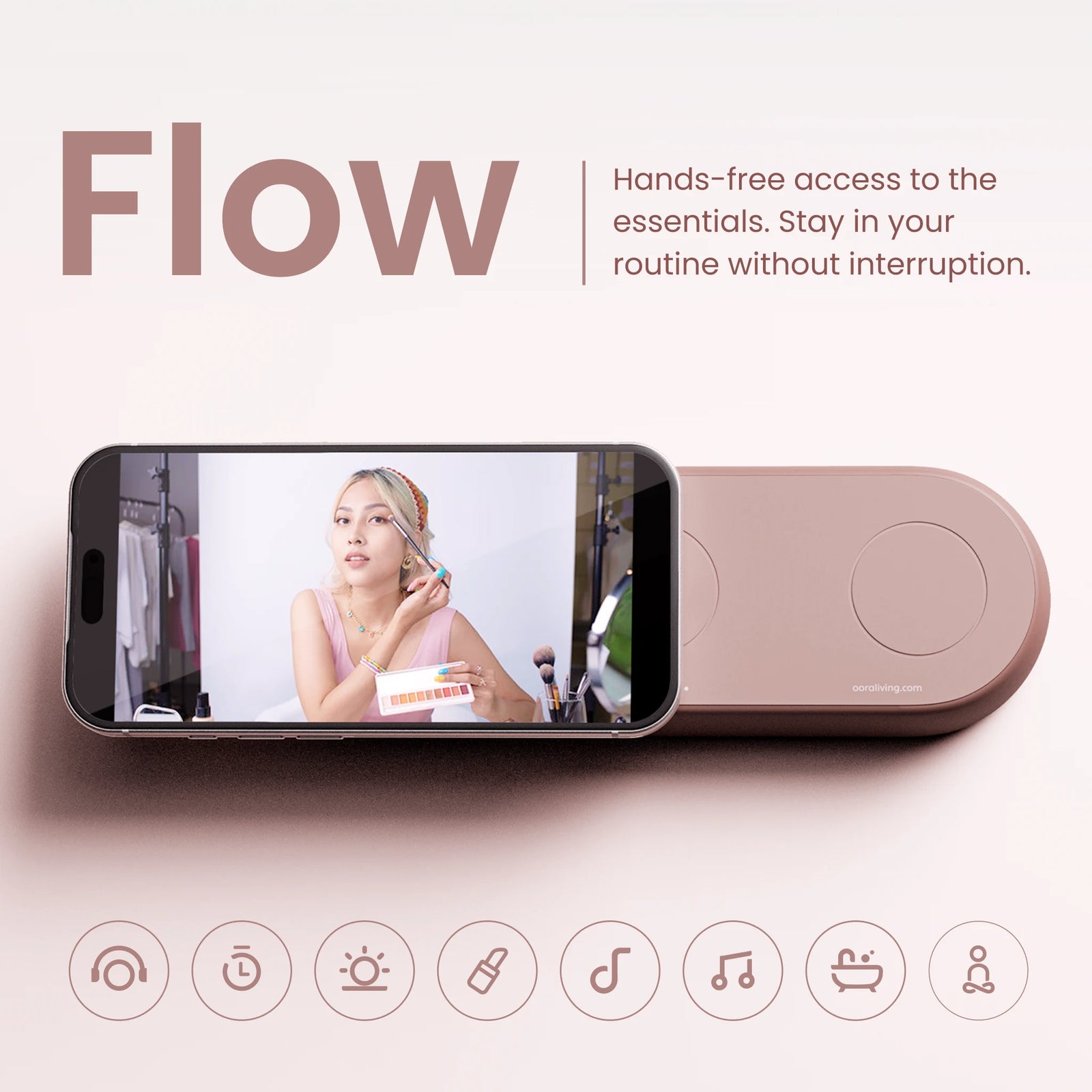 03
Get ready, wind down, or just take a breath. Your phone has a place. You have your space.
Designed for iPhone and Apple Shortcuts. Magnetic attachment needs a compatible MagSafe phone, case, or magnetic ring. NFC support varies by device; Android shortcut behavior depends on the model and app.
TapNest is a phone dock, not a charger. Phone and accessories shown are not included.
TapNest holds your phone on your mirror and gives you three customizable NFC zones. Use Apple Shortcuts to assign actions such as starting music, opening an app, or setting a timer. It does not charge your phone.
TapNest is designed primarily for iPhone and Apple Shortcuts. The magnetic dock requires a MagSafe-compatible phone or case, or a suitable magnetic ring. NFC compatibility depends on your device. Android automation support varies by phone and app.
No drilling or power supply is needed. Install on a clean, dry, smooth mirror surface, following the included installation instructions.
We deliver to Saudi Arabia, Qatar, Oman, and the United Arab Emirates. Delivery is within 72 hours after your order is confirmed. We will contact you if your address needs clarification.
Contact support@ooraliving.com within 7 calendar days of delivery. Items must be unused, with original packaging, accessories, and proof of purchase. Change-of-mind return shipping is paid by the customer. Your mandatory consumer rights are preserved.
Open the Shortcuts app on your iPhone, create a personal NFC automation, and scan one TapNest zone. Choose the action you want, then repeat for the other zones. Explore the original oora shortcut guides for more ideas.